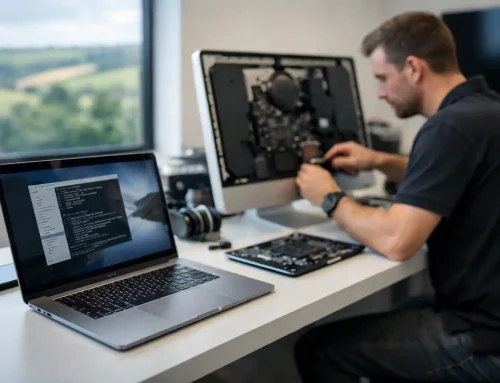

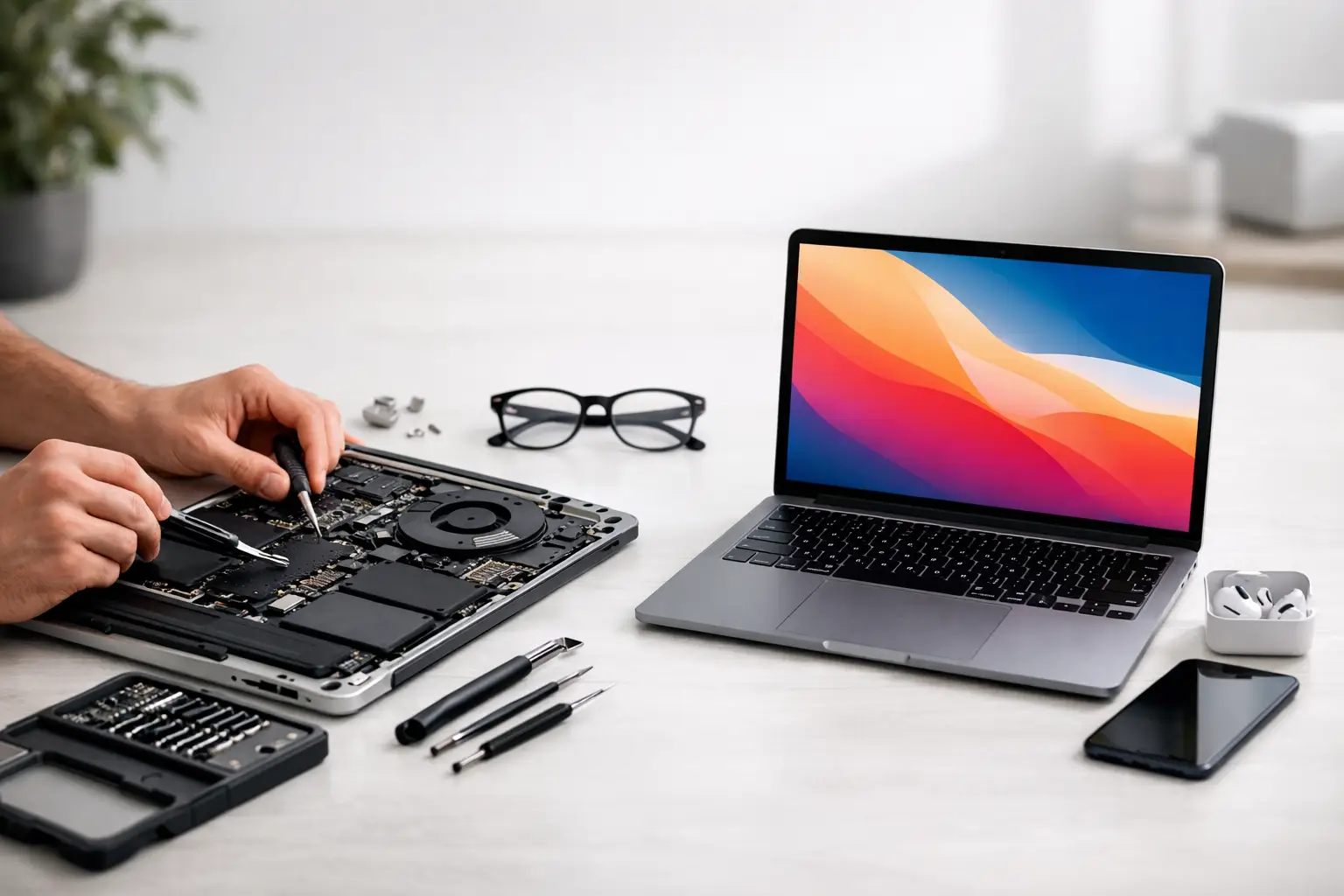
A Mac that has become painfully slow, refuses to charge, or displays a worrying folder with a question mark can make replacement feel like the only sensible option. Yet mac repair versus replacement is rarely decided by age alone. A well-chosen repair or upgrade can give a familiar Mac several useful years, while spending money on the wrong repair can simply delay a bigger problem.
For homes and small businesses, the right choice comes down to what has failed, what you need the Mac to do, and whether the machine can still run the software and security updates you rely on. The aim is not to keep an old Mac going at any cost. It is to make a clear decision before a frustrating fault becomes lost work, missed emails or inaccessible family photos.
Mac repair versus replacement: start with the actual fault
The first question is not “How old is it?” but “What is wrong with it?” A Mac can look as though it is at the end of its life when the cause is comparatively straightforward. A full storage drive, tired battery, failing charger, damaged user account or troublesome macOS update can all make everyday use feel far worse than it should.
A proper assessment matters because symptoms can overlap. A MacBook that shuts down unexpectedly could have a worn battery, but it could also be overheating, affected by liquid damage or suffering from a more serious logic board fault. Likewise, a slow iMac may need space cleared and software tidied up, or it may have an ageing mechanical hard drive that is beginning to fail.
It is worth checking the basics before assuming the machine needs replacing: available storage, battery condition, startup items, error messages, backup status and whether the issue happens with a particular app or every task. If important files are involved, make a backup first. A failing drive can worsen without much warning.
Repairs that often make good financial sense
Some repairs provide excellent value, particularly when the Mac still suits your work or home setup. Replacing a battery in an otherwise reliable MacBook can restore useful portable working time and avoid the cost and disruption of moving to a new machine. A damaged screen, keyboard or charging port can also be worthwhile where the rest of the Mac is in good condition.
Storage upgrades can be transformative on compatible older models. Replacing a slow hard drive with an SSD can make startup, photo libraries and everyday applications feel dramatically quicker. More memory may help too on Macs where it can be upgraded, especially if you regularly have many browser tabs, documents and email open at once.
Software support is another area where repair can be the sensible answer. Problems with syncing, printers, Wi-Fi, iCloud, Microsoft 365 or email are not necessarily hardware problems at all. Resolving the underlying configuration issue may cost far less than replacing a Mac that is technically sound.
For a household, repairing a familiar machine also avoids a change that can be surprisingly disruptive. Files stay where people expect them, passwords and settings may already be in place, and there is less to learn. For older users in particular, continuity can be valuable, provided the Mac remains secure and dependable.
When replacement is the better long-term choice
There are points where replacement is more prudent, even if a repair is possible. The clearest example is a major fault on a Mac that is already old and limited. If a costly screen, logic board or storage repair is needed on a machine that can no longer receive current macOS security updates, the money may be better put towards a newer Mac.
A replacement should also be considered when performance no longer meets the job. An older Mac may manage web browsing and emails but struggle with large photo libraries, video calls, accounting software, design work or modern browser-based tools. Small business owners should be especially careful here. Time lost waiting for a Mac, dealing with crashes or working around unreliable software soon becomes more expensive than the repair bill.
Apple’s move to its own M-series chips is relevant too. Apple silicon Macs generally offer a noticeable step forward in speed, battery life and efficiency compared with many older Intel models. If you are replacing an Intel Mac used for demanding work, a newer model can deliver a real everyday improvement rather than simply a newer version of the same experience.
Replacement is often the safer route if there are several issues at once: a weak battery, failing storage, cracked screen and unsupported software, for example. Each item may be repairable, but the combined cost and remaining uncertainty need to be weighed honestly.
Do not judge only by the repair quote
The cheapest immediate option is not automatically the best value. Consider how long a repair is likely to extend the Mac’s working life and what risks remain afterwards. A modest battery replacement on a three-year-old MacBook is different from a large repair on a nine-year-old model with an ageing drive and no future operating system support.
Ask practical questions. Will the repaired Mac run the applications you need over the next couple of years? Can it receive security updates? Is there a warranty on the repair? Are other components showing signs of wear? Will it still be adequate if your business grows or your children begin using it for schoolwork?
For a business, include downtime in the calculation. A sole trader without reliable access to emails, bookings, invoices or customer files can lose far more than the price difference between repair and replacement. A newer Mac may be the right investment if reliability is central to your working day.
On the other hand, do not replace a Mac solely because a new model has appeared. If the current machine is supported, secure, comfortably handles your workload and needs a proportionate repair, keeping it can be the sensible and more sustainable choice.
The hidden task: moving safely to a new Mac
Choosing replacement means planning the move properly. The new Mac itself is only part of the job. Files, photos, email accounts, passwords, printers, software licences, cloud storage, browser bookmarks and business folders all need attention. If you use an iPhone and iPad as well, iCloud settings and shared services should be checked so everything continues to work together.
A rushed migration can leave gaps that only appear later: an old email archive, a folder kept locally rather than in the cloud, a website login saved in a browser, or a printer that no longer appears. Before disposing of or trading in an old Mac, confirm that essential data has been copied, accounts have been signed out correctly and the machine has been securely erased.
This is also an ideal time to improve how your digital life is organised. Set up a dependable backup routine, review who has access to shared accounts, tidy duplicate files and make sure recovery details for Apple IDs and email accounts are current. A new Mac should reduce future stress, not carry old problems into a new box.
A straightforward way to decide
If the Mac is still supported, has one clear fault and otherwise does what you need, repair is often worth exploring. If it has multiple expensive faults, cannot run secure software, or routinely holds back work and home life, replacement is likely to offer better value.
There is a middle ground as well. A repaired Mac can become a useful second machine for home admin, children’s homework or a reception desk, while a newer Mac takes over more demanding work. That can make a replacement budget go further without wasting a device that still has a role.
Before making the call, have the Mac model, approximate age, symptoms and any recent changes to hand. A patient assessment can separate a fixable nuisance from a genuine end-of-life issue. If you are in Dorset and would prefer someone to look at the machine with you, North Dorset Mac Man can assess the fault at home or work, explain the options in plain English and help you choose the route that feels right for your budget and needs.
A Mac should earn its place by being reliable, secure and useful. Whether that means a thoughtful repair, a practical upgrade or a carefully managed replacement, the best decision is the one that gives you confidence when you next sit down to use it.