
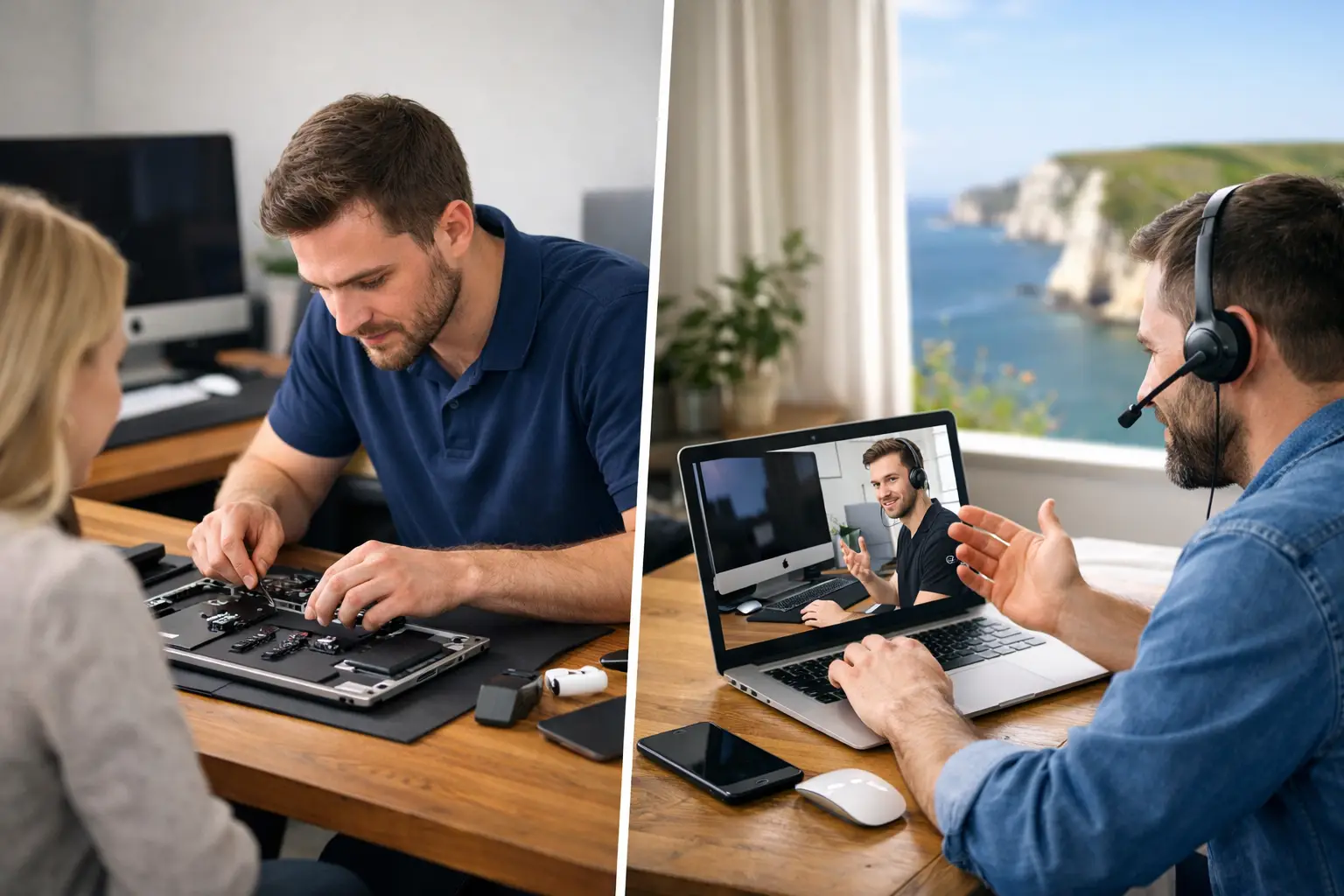
A Mac that will not start before a client meeting, an iPhone that has stopped receiving calls, or family photos apparently missing from iCloud are not problems that always suit a one-size-fits-all fix. When weighing up onsite Apple support versus remote help, the right choice comes down to the fault itself, how much disruption it is causing, and how comfortable you feel following technical steps.
Both options can be useful. Remote help is often the quickest route for a straightforward software problem, while a visit to your home or workplace can uncover issues that simply cannot be seen through a screen. The key is not choosing one method forever. It is knowing when each will give you the safest, clearest and best-value result.
Onsite Apple support versus remote help: the real difference
Remote support means a specialist connects to your Mac over a secure screen-sharing session, with your permission, or guides you by phone and video call. It is particularly effective when the Mac can get online and the problem is within software, settings, accounts or applications.
Onsite support means someone comes to you. That matters when the issue involves physical equipment, home or office Wi-Fi, printers, cables, backups, several Apple devices, or a person who would rather have calm, face-to-face guidance. A visit also gives an engineer the chance to see how technology is actually being used rather than relying on a description of the problem.
Neither service is automatically better. Remote assistance may resolve a simple issue in far less time than arranging a call-out. On the other hand, trying to solve a hands-on problem remotely can become frustrating, particularly when an important detail is being missed.
When remote help is the sensible first choice
For many everyday Mac issues, remote assistance is fast and practical. If your Mac is working well enough to connect to the internet, a support session can often begin without you travelling anywhere or waiting for a home visit.
It works well for problems such as a slow Mac caused by too many start-up items, an application that is misbehaving, email settings that need correcting, Microsoft 365 sign-in issues, unwanted browser pop-ups, printer software settings, and questions about iCloud or Apple ID accounts. It is also an excellent way to receive one-to-one tuition. You can share your screen and learn how to organise photos, manage files, use Mail, or make better use of the Apple features you already have.
For a small business, remote help can minimise downtime. A sole trader unable to access a mailbox, for example, may only need account settings checked or a password issue resolved. If the Mac is online, that could be dealt with while they stay at their desk and carry on with other work.
Remote support is usually best when three things are true: the device starts up, the internet connection is stable, and the fault can be demonstrated on screen. It is also useful for follow-up work after a visit, such as checking that an update has completed properly or answering a question about a new setting.
There are sensible limits. You should only allow screen access to a trusted specialist and only when you understand what is being connected. A genuine local provider will explain the process, ask for permission, and make sure you remain in control throughout the session.
The convenience comes with a trade-off
A remote session cannot inspect a damaged charging port, listen to an unusual hard drive noise, test a flaky Wi-Fi router properly, or see that a printer is unplugged at the wall. It also depends on you being able to describe what you see and, at times, follow instructions accurately.
That is no criticism. Technology is stressful when it has failed at the worst possible moment. If you are anxious about clicking the wrong thing, struggling to read a message on screen, or dealing with several connected devices, remote help may feel less helpful than it sounds.
When an onsite Apple visit is worth it
An onsite appointment is often the better answer when a fault is physical, complicated or affecting more than one device. It replaces guesswork with proper checks in the place where the equipment is used.
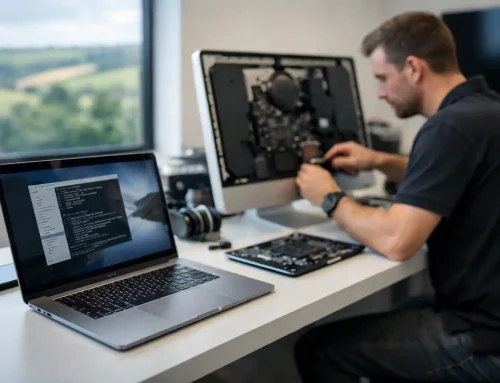
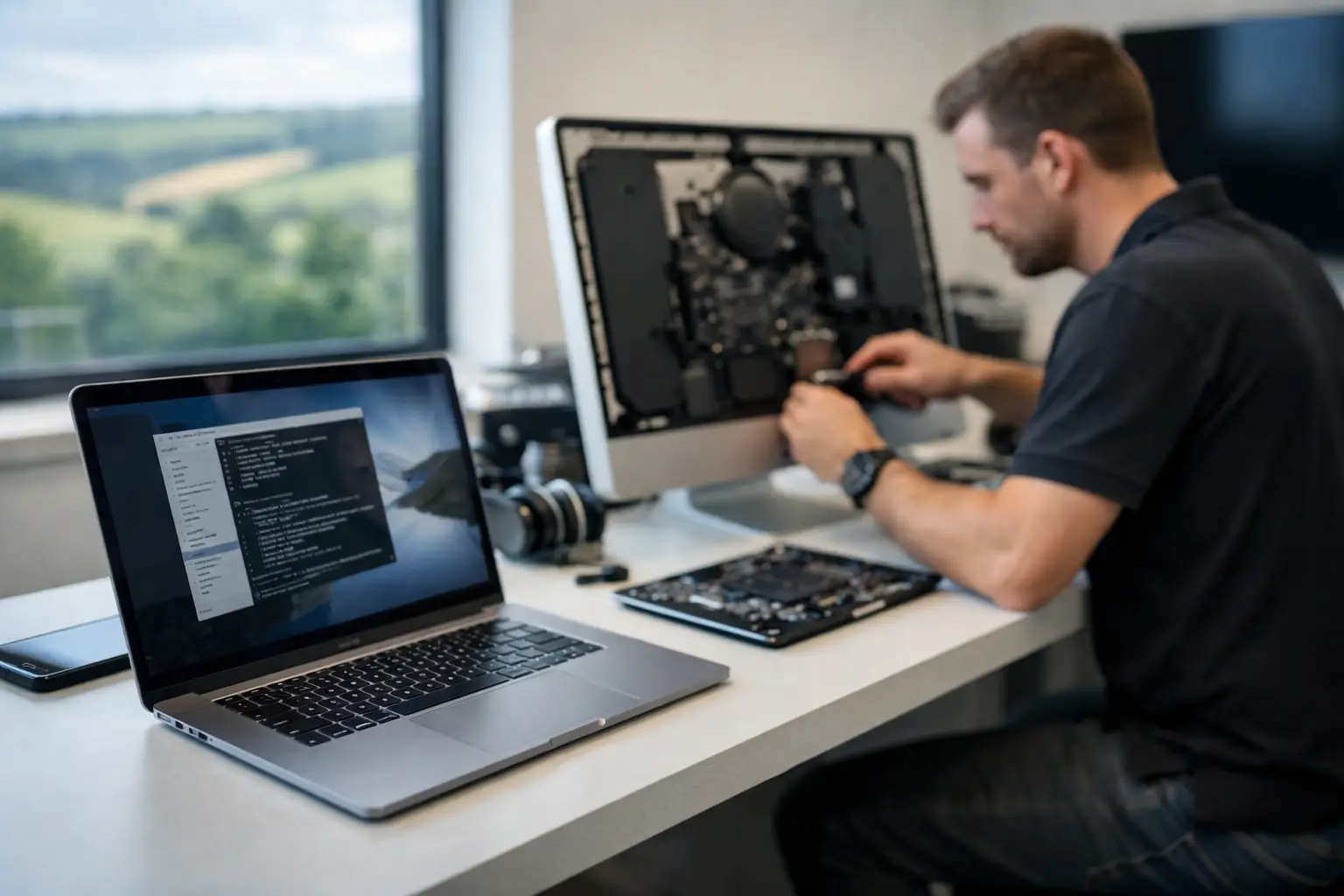
A Mac that will not power on, has suffered liquid damage, needs a memory or storage upgrade, or is showing signs of hardware failure needs hands-on assessment. The same applies to a MacBook with a loose charging connection, an iMac that is overheating, or a device that has no usable internet connection. Remote support cannot repair or test hardware in person.
Home technology is rarely just one Mac. You may have an iPad, iPhone, Apple TV, printer, broadband router, external drive and shared family iCloud storage all interacting. A problem with photos or contacts appearing in the wrong place can be caused by account sharing, sync settings, old devices, or a misunderstanding around which Apple ID is in use. A home visit makes it much easier to review the whole set-up and explain what should change.
For households, there is another benefit: confidence. Many people want help sitting beside them, using their own equipment, with time to ask questions as they go. This is especially valuable after buying a new Mac or iPad, moving data from an older device, setting up parental controls, or getting a family member comfortable with technology.
Businesses gain something slightly different from onsite support. A local office may have a Mac, shared printer, router, staff phones, cloud storage and email accounts that all need to work together. If a network fault stops invoicing, bookings or customer communication, seeing the equipment and workspace can lead to a quicker diagnosis. It can also prevent the same issue returning because the cause is addressed rather than worked around.
The value is in the wider picture
An onsite visit is not just about fixing the obvious symptom. It gives you the opportunity to check whether backups are working, whether software is up to date, whether old accounts still have access, and whether basic security settings are sensible for your household or organisation.
That broader view is particularly useful after a scare, such as a suspected scam email or lost files. A trusted Apple specialist can help recover what is possible, then put practical protections in place without burying you in jargon.
The trade-off is cost and timing. A call-out involves travel and usually needs an agreed appointment, though urgent support may be available when downtime cannot wait. For a minor question that could be solved in ten minutes remotely, an onsite visit may not be necessary.
A simple way to decide what you need
Start with the state of the device. If your Mac starts, connects to the internet and the issue is visible on screen, remote help is often a good first step. This includes software errors, email problems, account access, application settings and general tuition.
Choose onsite help when the device will not start, there may be physical damage, Wi-Fi or peripherals are involved, or the problem stretches across your home or workplace. It is also the right choice when you need help transferring data, setting up new equipment, improving security or understanding a system in person.
Consider urgency as well. A business owner locked out of email may benefit from immediate remote assistance. A professional whose MacBook has failed completely before a deadline may need a local visit or collection arrangement. The best provider will talk through the symptoms first rather than forcing every problem into the same service.
The strongest support often uses both
The most practical arrangement is often a combination. An onsite session can set up a new Mac, sort out the router, connect printers, organise accounts and make sure backups are in place. Later, remote support can deal with a small question, a software prompt or an email setting without another call-out.
This approach is useful for small businesses without an in-house IT person. A familiar specialist who understands the set-up can support routine issues remotely, then come to the workplace when equipment or networking needs attention. For home users, it means having someone who already knows which devices belong to whom and how the family’s Apple accounts are arranged.
North Dorset Mac Man provides both kinds of help because real Apple problems do not arrive in neat categories. Sometimes a quick remote session is all that is needed. Sometimes the reassuring answer is a patient visit, a proper look at the equipment, and a clear explanation before anything changes.
If you are unsure which route fits, describe what has happened, what still works, and what you need the device to do next. A good support conversation should leave you feeling clearer before any work begins.