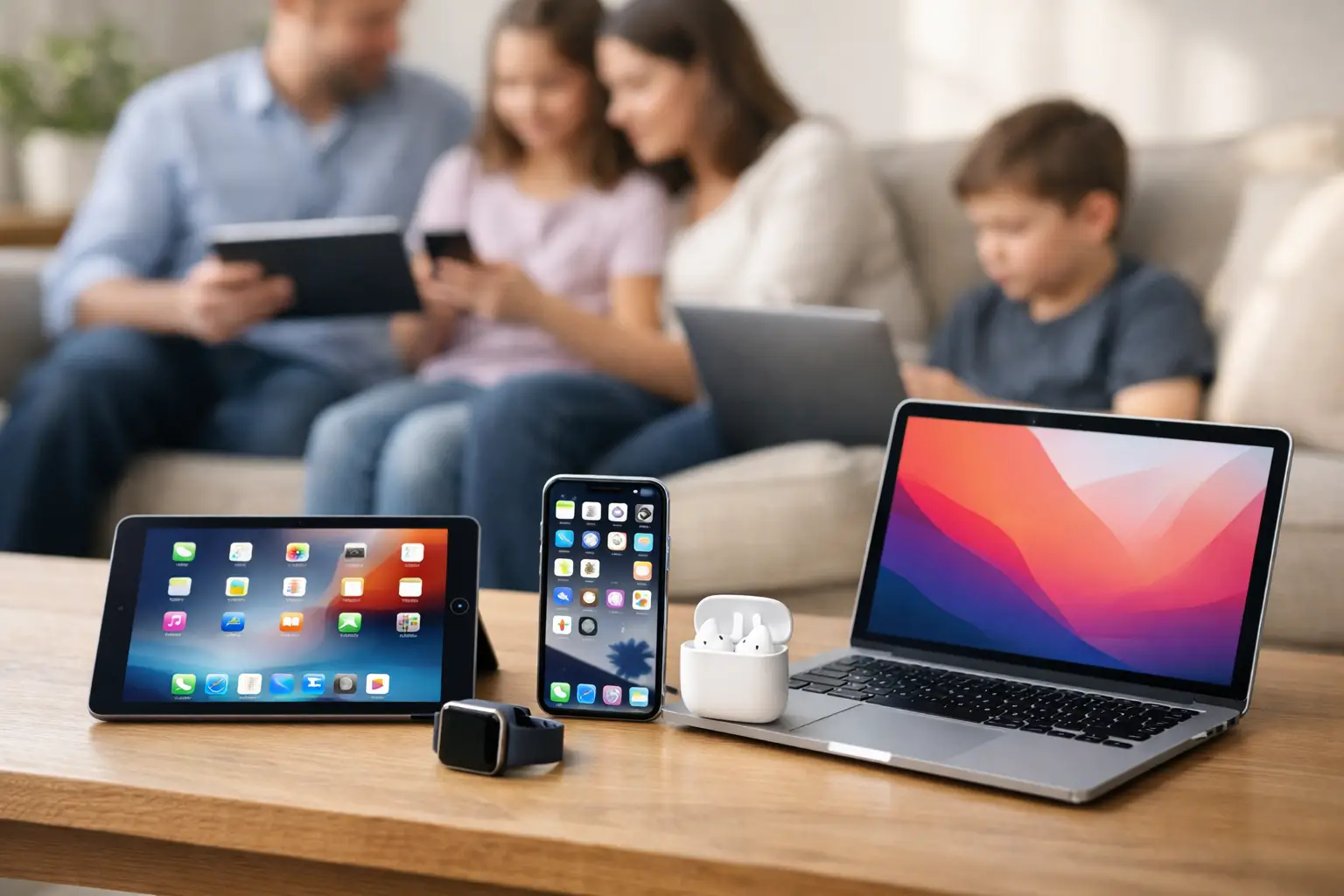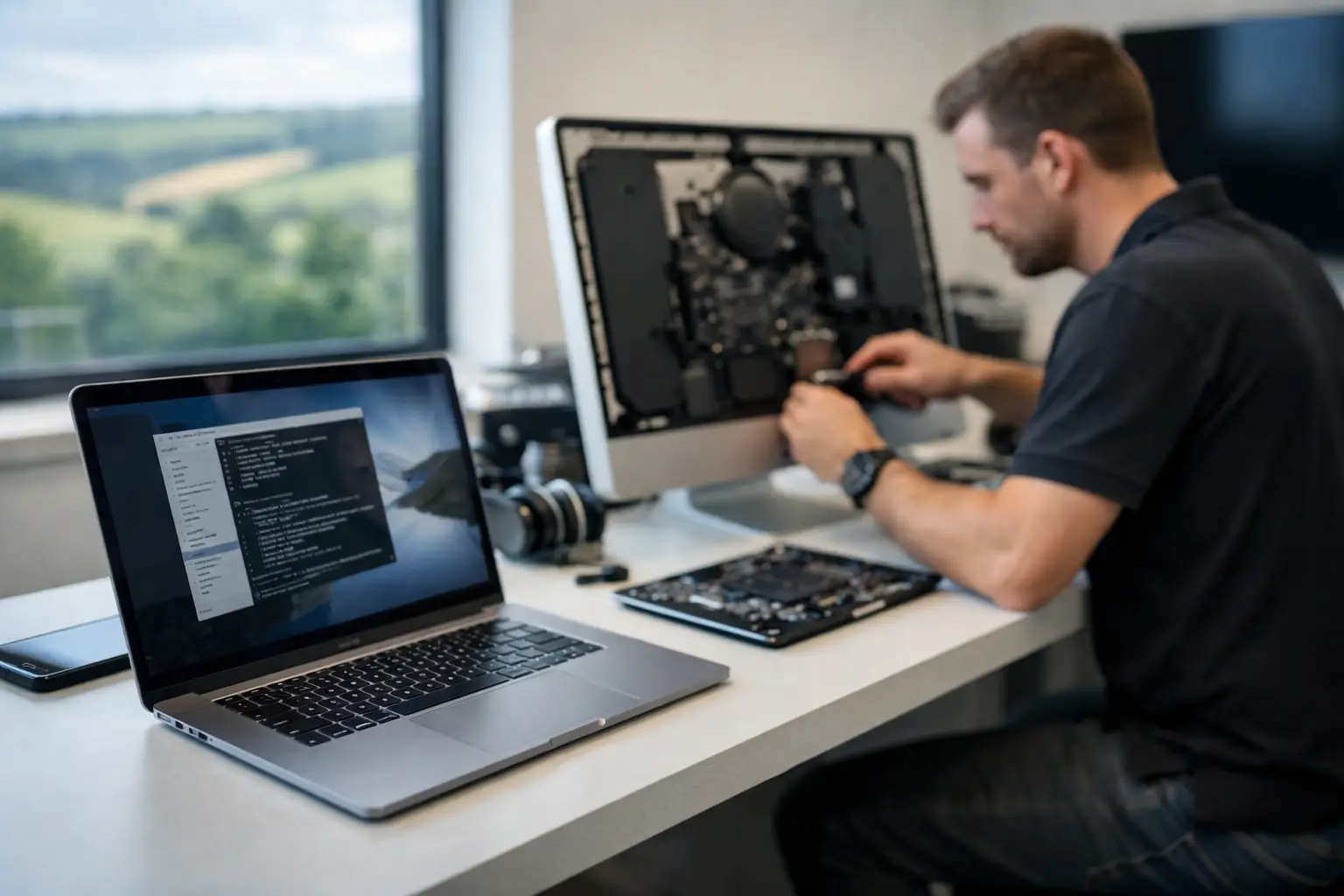


A new Mac is meant to make life easier. Yet many people in Dorset end up using only a fraction of what their Apple devices can do, worrying about changing the wrong setting, losing photos or clicking something suspicious. An Apple tutor Dorset households and small businesses can trust offers something far more useful than a quick fix: calm, practical help that makes the technology feel like yours again.
Whether it is a MacBook that has become painfully slow, an iPhone full of storage warnings, or a family iCloud account that has never quite worked properly, one-to-one tuition turns uncertainty into a clear next step. The aim is not to impress you with technical language. It is to help you use your Mac, iPad or iPhone confidently after the visit is over.
What does an Apple tutor help with?
Apple tuition is often mistaken for a lesson on the basics. It can certainly cover those, but it is just as valuable for people who have used Apple products for years. The best sessions start with what is actually getting in the way of your day.
For a home user, that may mean organising thousands of family photos, setting up automatic backups, learning FaceTime, sharing calendars or moving safely from an older Mac to a new one. It might be helping a parent understand the difference between their Apple ID, iCloud storage and device passcode – three things that are easily confused and can cause real frustration when they are not set up correctly.
For a small business, tuition may focus on practical work: managing email on a MacBook and iPhone, sharing documents securely, improving online security, dealing with unreliable Wi-Fi or creating a simple, sensible backup routine. A sole trader does not need a lengthy technical course. They need to know how to find a client file, keep email working and recover quickly if something goes wrong.
Apple tutor Dorset support should fit your life
A useful lesson is rarely a one-size-fits-all checklist. Someone who wants to edit holiday photos needs different guidance from a charity administrator sharing documents with volunteers. A retired couple with an iPad may simply want a better way to stay in touch with family, while a growing local firm may need their Macs, Microsoft 365 and mobile devices to work together reliably.
That is why in-person support at home or work can make such a difference. Your tutor can see the devices, broadband setup, printers and accounts you use every day. Rather than trying to describe an issue over the phone, you can point to it and ask, “Why does this keep happening?” The answer can be shown in context, using your own equipment.
Remote support also has its place. It is ideal for smaller issues, such as a confusing settings change, software update or email problem, especially when you need help quickly. But for a new device setup, a home office tidy-up or an iCloud issue involving several family devices, a visit is often the clearer and more reassuring option.
The Apple topics that make the biggest difference
Making sense of iCloud and Apple IDs
Many Apple problems begin with accounts rather than hardware. Photos appear on one device but not another. Contacts are duplicated. Purchases are tied to an old email address. Or a family member has created more than one Apple ID over the years.
A patient tutor can explain what each account does, check that devices are signed in correctly and help make safe decisions before changing anything. It is not always wise to merge, delete or sign out of an account without checking what data is stored there. The right approach depends on whether photos, purchases, messages and backups are linked to it.
Keeping precious photos safe and organised
Photo libraries are deeply personal, and they deserve more than crossed fingers. Tuition can cover importing photographs, finding duplicates, making albums, sharing pictures with family and checking that backups are genuinely working.
There is a trade-off here. iCloud Photos is convenient because images can appear across Apple devices, but it may require enough paid storage and a reliable internet connection. A separate local backup provides another layer of protection. For many households, using both is the sensible option, particularly if the library contains years of family memories.
Getting a slow Mac back on track
A slow Mac does not always need replacing. It may be short of storage, carrying outdated software, starting too many applications at login or affected by a failing hard drive. An Apple tutor can help you understand what is causing the slowdown and show you simple habits that keep the machine running well.
Sometimes tuition uncovers a repair or upgrade need. Older Intel-based Macs may benefit from more memory or a solid-state drive, where compatible. In other cases, the cost of repair is not good value compared with a replacement. Honest advice matters because the right answer is not always the most expensive one.
Safer browsing, email and online payments
Online security is not about making technology frightening. It is about recognising the warning signs before a small mistake becomes a serious problem. A good session can cover suspicious emails, fake delivery messages, password management, software updates, two-factor authentication and what to do if a pop-up claims your Mac has a virus.
No tutor can guarantee that a scam will never arrive. What they can do is help you spot the common patterns and put sensible protections in place. This is especially valuable where one computer is used for banking, business records and family communication.
Tuition for small businesses without an IT department
Small businesses often carry a hidden technology burden. The owner becomes the unofficial IT person, even though they are meant to be serving customers, managing staff or completing paid work. A problem with email, file access or a MacBook can quickly become lost time.
One-to-one Apple support can provide a dependable point of contact without the cost or complexity of an in-house IT team. Sessions can cover everyday Mac use, shared folders, cloud storage, Microsoft 365, Google Business tools, website basics and keeping devices secure when staff work from different locations.
The real benefit is continuity. Instead of explaining your setup to a different call centre adviser each time, you can work with somebody who understands how your business operates. That makes future problems quicker to diagnose and gives you more confidence when planning changes, such as replacing devices or moving to a new email system.
What a good tutoring visit looks like
The most useful appointments are led by your questions. Before the session, make a short note of anything that has been bothering you, even if it seems minor. Include error messages, devices involved and what you were trying to do when the problem appeared.
During the visit, ask to be shown rather than simply having things fixed out of sight. It can feel slower at the time, but learning the steps means you are less likely to be stuck next week. Taking notes is helpful, and there is no shame in asking for something to be explained twice.
A good Apple tutor will also tell you when not to change something. Passwords, account recovery details, important files and photo libraries need careful handling. Clear advice should include the risks as well as the solution.
Choose help that leaves you more confident
When looking for Apple tuition, experience with Apple products is important, but so is manner. You need someone who listens, avoids unnecessary jargon and is comfortable helping people at every level of confidence. Fast answers are useful in an emergency. Patient explanation is what prevents the same issue from becoming an emergency again.
North Dorset Mac Man provides practical, one-to-one Apple help for homes and local businesses, with support shaped around the way you actually use your technology. From sorting a troublesome Mac to making sense of your family’s iCloud setup, the goal is simple: leave you with devices that work properly and the confidence to use them well.
The best time to ask for help is not necessarily when everything has stopped working. A little patient guidance now can protect your photos, reduce daily frustration and make the Apple devices you already own far more useful.