

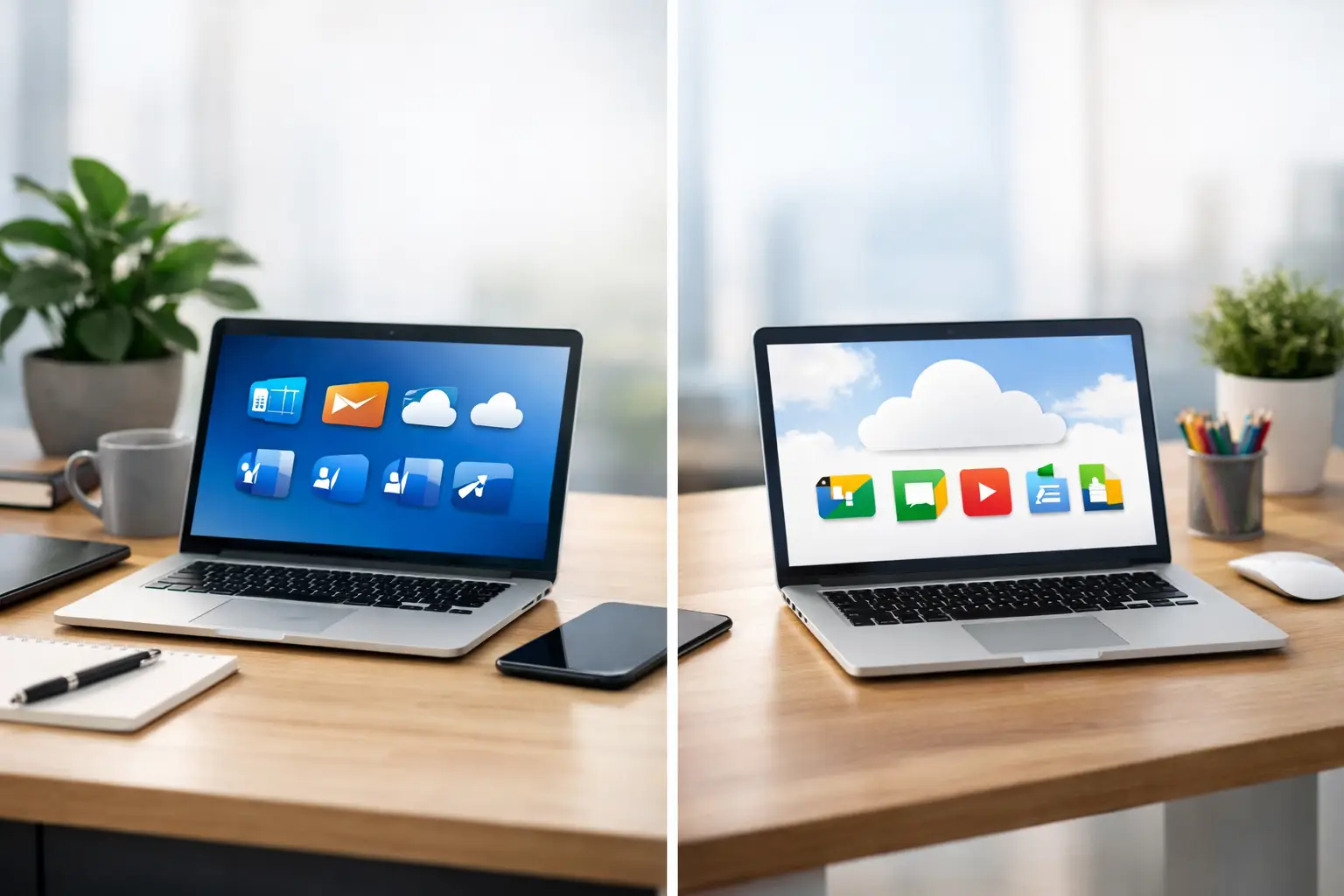
A new email system can look like a simple choice until it affects every message, appointment, file and customer enquiry. When deciding between Microsoft 365 or Google Workspace, the best answer is rarely about which brand is bigger. It is about how you already work, which devices you use, and what will be easiest to manage when something goes wrong.
For a sole trader, charity, school or small Dorset business, the right platform should make everyday work calmer. It should give you professional email, sensible file sharing and enough protection without creating a system that nobody feels confident using.
Microsoft 365 or Google Workspace: the real choice
Both services provide business email using your own domain name, cloud storage, calendars, video calls and tools for creating documents. Both can work well on Macs, iPhones, iPads and Windows PCs. The difference is in their approach.
Microsoft 365 is built around familiar desktop programs such as Word, Excel, PowerPoint and Outlook. Google Workspace is based primarily around browser-based tools such as Gmail, Google Docs, Sheets and Drive. That distinction matters more than a long list of features.
If your team already sends Word documents and Excel spreadsheets back and forth, Microsoft 365 often feels like the natural home. If people mainly work in a web browser, collaborate on documents at the same time and already live in Gmail and Google Calendar, Google Workspace can feel lighter and quicker to pick up.
There is no prize for choosing the platform that sounds most technical. The sensible choice is the one your people will actually use properly.
When Microsoft 365 is likely to suit you best
Microsoft 365 is usually a strong fit for businesses that rely on detailed documents, complex spreadsheets or established Office files. Accountants, consultants, construction firms, schools and organisations with years of Word and Excel documents often benefit from staying in the Microsoft environment.
The desktop versions of Word, Excel and PowerPoint are particularly useful where internet access is unreliable, documents need careful formatting, or spreadsheets contain advanced formulas, macros or intricate layouts. You can work locally on a Mac or PC and let OneDrive synchronise changes when you are connected again.
Outlook is also familiar to many people. It brings email, calendars, contacts and shared mailboxes together in one place. A shared address such as enquiries@ or accounts@ can be managed by several people, which is helpful when one member of staff is on holiday or away visiting customers.
For Mac users, Microsoft 365 is not a second-rate option. The Mac versions of the main apps are well established, and Outlook, OneDrive, Teams and the Office applications work across Apple devices. There can be a little more to configure than with Google, especially where OneDrive folders and Outlook accounts are concerned, but it is entirely manageable when set up carefully.
Microsoft Teams is worth considering if you need internal chat, video meetings and a central place for team conversations. It can reduce the number of messages scattered across text messages, personal WhatsApp accounts and email threads. On the other hand, a very small business may find Teams more than it needs.
When Google Workspace makes more sense
Google Workspace is often the easier choice for small teams that want straightforward email and live collaboration. Gmail is familiar, Google Calendar is simple to share, and Google Drive gives teams a clear place to keep working files.
Its biggest strength is working on the same document together. Two or more people can edit a proposal, meeting note or price list at once, see each other’s changes and leave comments without creating multiple versions called FINAL, FINAL 2 and DEFINITELY FINAL. For businesses with staff in different locations, this can make a noticeable difference.
Google Workspace also tends to suit people who move between devices. You can start a document on a Mac at work, review it on an iPad at home and make a quick change on an iPhone without worrying much about which version of an app is installed. Most tasks happen in the browser, although offline work is possible with some preparation.
For a new business with no history of Office files, Google Workspace can be a particularly tidy starting point. It is less dependent on installed software and generally has fewer moving parts for a small team to learn.
The trade-off is compatibility and depth. Google Docs and Sheets can open and export Microsoft files, but complicated Word layouts and advanced Excel workbooks do not always behave perfectly. If clients, suppliers or professional advisers exchange detailed Office documents with you, test a few real files before committing.
Email, files and meetings in everyday use
Email should not be the only deciding factor. Gmail and Outlook are both capable business email systems, with strong search, calendar access and mobile apps. The better choice normally comes down to personal preference and the systems around it.
Google Drive makes shared folders and collaborative documents feel very natural. Microsoft uses OneDrive for individual files and SharePoint for wider team file storage. SharePoint is powerful, but it can feel less obvious at first. If file permissions are set carelessly in either system, staff may be unable to find what they need or, worse, see information they should not.
For meetings, Google Meet is simple and works well for quick video calls. Microsoft Teams offers more room for ongoing team communication, channels and meetings. Zoom is still widely used too, so neither platform needs to dictate every video call you make.
A good rule is to avoid storing business files in personal iCloud Drive, Dropbox or an employee’s private Google account. It might be convenient until that person leaves, changes their password or accidentally removes a folder. Business-owned accounts give you far better control.
Costs are not just the monthly subscription
Both Microsoft 365 and Google Workspace are charged per user, per month, with different plans depending on storage, desktop apps, security and administration features. Prices change, so it is better to compare the current plans against the features you genuinely need than to choose solely on the lowest headline figure.
Microsoft 365 can offer better value where your team needs the desktop Office applications. Google Workspace can be very cost-effective for smaller, browser-first teams. But the monthly subscription is only one part of the cost.
Allow time for setting up your domain email, moving old messages, creating shared folders, adding staff accounts, setting up phones and showing people how to use the system. A cheap plan that leaves everyone confused can cost more in lost time than a slightly higher subscription that fits naturally.
Security is mostly about setup and habits
Neither platform can protect a business if passwords are reused, staff click every unexpected attachment, or former employees keep access after leaving. Both Microsoft 365 and Google Workspace provide useful security controls, but they need to be switched on and managed.
At a minimum, use a unique password for every account and turn on two-step verification. Set up a recovery method that belongs to the business, not just one person’s mobile number. Review who has access to shared mailboxes, files and administrator settings. When a staff member leaves, remove their access promptly and decide where their email and documents should go.
It is also worth checking that your domain has the right email protection records in place. These help receiving mail systems recognise that your messages are genuine and reduce the chance of your domain being copied by scammers. This is a technical job, but it is one that can prevent a great deal of trouble.
Switching platforms needs a proper plan
Moving from one provider to another is possible, but it should not be treated as an afternoon job. Email, calendars, contacts, documents, domain settings and mobile devices all need attention. The safest approach is to prepare the new system first, move a small number of accounts where appropriate, and check that sending and receiving works before making the final change.
Do not forget the smaller details. Website contact forms, printers that scan to email, accounting software, shared calendars and staff phones may all be connected to an old account. A changeover that looks fine on one laptop can still stop an important customer enquiry reaching the right person.
For businesses that need a hand with planning, setup or sorting out a muddled existing arrangement, North Dorset Mac Man can provide practical, plain-English support at your workplace or remotely.
Choose the system that reduces friction
Choose Microsoft 365 if Office files, desktop applications, Outlook and detailed spreadsheet work are central to your business. Choose Google Workspace if your team values simple browser-based working, Gmail and live collaboration above all else. If you already use one system successfully, changing merely because another platform is fashionable is rarely worthwhile.
The best test is practical: ask your team to carry out the work they do every week – replying to enquiries, sharing a quote, booking an appointment and finding last month’s paperwork. The platform that makes those ordinary jobs easier is usually the right one to build on.