
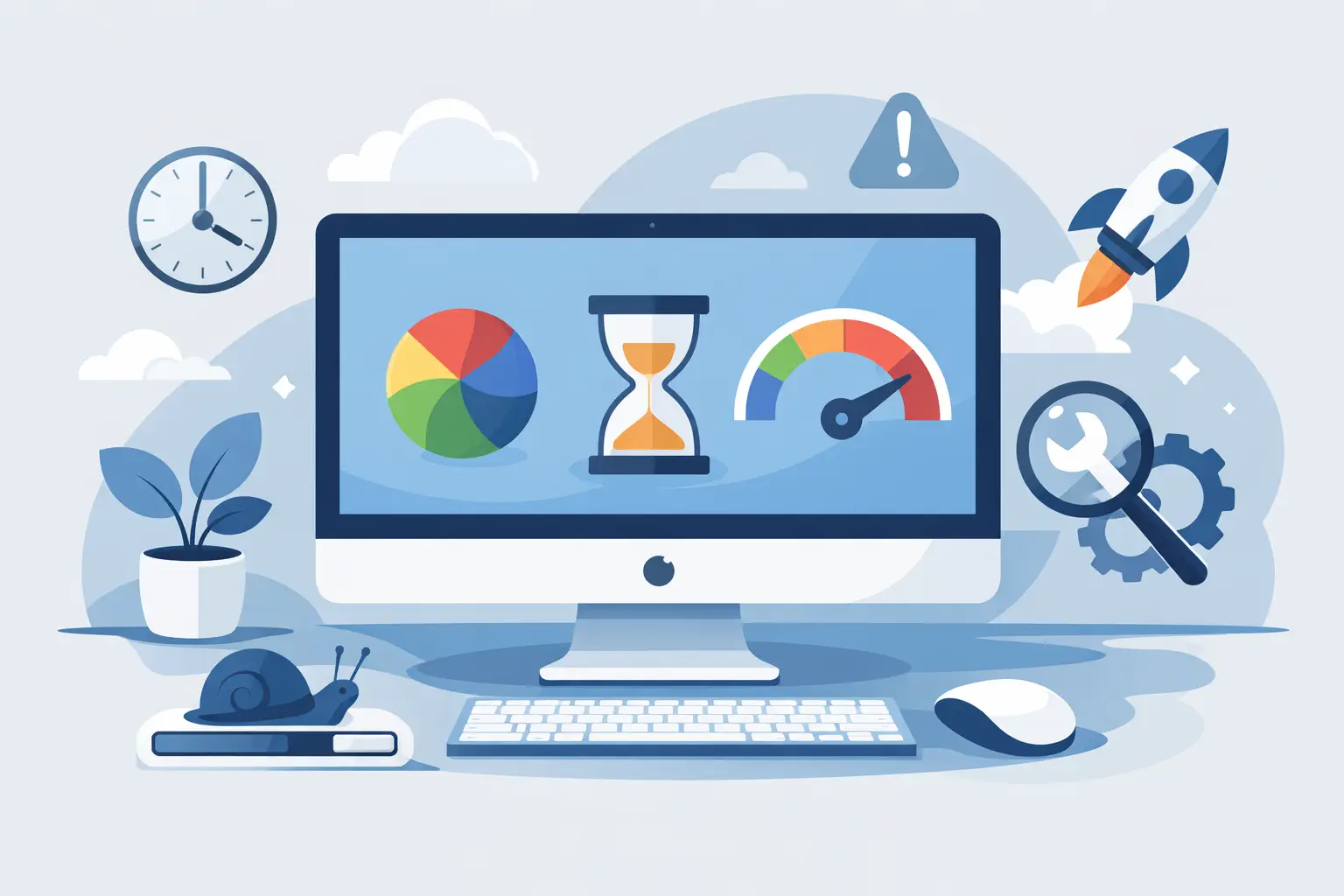
You sit down to check emails or send an invoice, click Safari, and then wait. The spinning beach ball appears, apps take ages to open, and even simple jobs feel like hard work. If you are searching for an imac running slow fix, the good news is that a sluggish iMac usually has a clear cause. The trick is working out whether it needs a tidy-up, more storage space, a software reset, or proper hands-on repair.
A slow iMac can be frustrating at home, but it can be genuinely costly in a small business. Lost time adds up quickly when you rely on your Mac for accounts, customer emails, school work, photos, or day-to-day admin. The good news is that many performance problems can be improved without replacing the whole machine.
iMac running slow fix – start with the obvious
The first thing to check is free storage. Macs need breathing room to run well, especially for updates, temporary files, and swap memory. If your startup disk is nearly full, the whole machine can begin to crawl. This is one of the most common reasons an iMac that once felt quick suddenly feels tired.
Open your storage settings and look at how much space is available. If you have only a small amount free, that alone may explain the slowdown. Large photo libraries, old video files, forgotten downloads, and years of documents can quietly fill a drive. For many households, it is not one huge file causing the issue, but thousands of smaller ones spread across the machine.
It is also worth restarting the iMac if it has been running for days or weeks without a proper reboot. That sounds simple because it is simple, but it can clear temporary glitches, background processes, and memory pressure. Not every slow Mac is suffering from a major fault.
Common reasons an iMac slows down
Age matters, but age on its own is not the full story. Some older iMacs still perform perfectly well for email, web browsing, office work, and family admin. Others struggle because the hardware no longer suits the software being asked of it.
One major factor is the type of storage inside the machine. Older iMacs with traditional hard drives are often noticeably slower than models with SSD storage. If the iMac takes a long time to start up, opens apps slowly, and pauses when saving files, the drive may simply be too slow for modern use. In some cases, the hard drive may also be starting to fail.
Memory can also be part of the problem. If you regularly have lots of browser tabs open, plus email, documents, Photos, and a few background apps, limited RAM can cause the Mac to rely too heavily on the drive for temporary memory. When that happens, everything feels delayed.
Then there is software clutter. Login items, outdated utilities, cloud sync tools, antivirus packages, printer software, and menu bar helpers can all pile up over time. Individually they may seem harmless. Together they can slow startup, eat system resources, and create conflicts.
Practical checks before you spend money
Before jumping to a replacement, it is worth doing a few sensible checks. Start by looking at Activity Monitor to see whether any app is using an unusual amount of CPU, memory, or disk activity. Sometimes one misbehaving process is the real culprit. A web browser tab, sync service, or security tool can drag the whole system down.
Next, check whether macOS and your key applications are up to date. That said, this is one of those it depends situations. On a newer iMac, updates often improve stability and performance. On an older machine, the latest macOS version may not always feel faster. If your Mac is several years old, updates need to be considered carefully rather than installed blindly.
You should also review what opens at login. If your iMac starts the day by launching half a dozen apps you do not really need, performance can feel poor from the moment you switch it on. Trimming that list can make a real difference.
Browser overload is another common issue, especially for business users working from cloud platforms all day. Too many tabs, old extensions, and cached data can make the Mac seem slow when the real problem is the browser itself. Trying a clean browser profile or removing unused extensions can help.
When the problem is the hard drive
If your iMac uses an older mechanical hard drive, this is often the single biggest reason for poor performance. These drives are much slower than SSDs, and once they begin to age, the slowdown becomes much more noticeable. You may hear the drive working constantly, notice long waits when opening folders, or see the machine freeze briefly during routine tasks.
This is where an upgrade can make far more sense than buying a new Mac. Replacing an old hard drive with SSD storage can transform the feel of a suitable iMac. Startup times improve, apps open faster, and general use becomes smoother. For many home users and small firms, that upgrade offers better value than replacing an otherwise good machine.
The trade-off is that not every iMac is equally straightforward to upgrade, and not every older Mac is worth major investment. A proper assessment matters. If the machine also has limited memory, software support issues, or display faults, it may be better to weigh up repair against replacement rather than assume an upgrade is the answer.
Malware, antivirus, and background clutter
Macs are generally well protected, but they are not immune to nuisance software, rogue browser add-ons, and badly behaved security tools. In fact, one of the more common speed problems on Macs comes from overzealous antivirus software installed years ago and forgotten about.
If your iMac has multiple cleaning apps, popup blockers, VPN tools, security suites, and browser extensions all running at once, they may be doing more harm than good. Removing unnecessary software often improves speed and stability. The key word is unnecessary. You do not want to strip out something essential for work or security without checking first.
For households, this often happens after trying to fix one issue with several downloaded tools. For small businesses, it can happen when different bits of software are added over time by different staff members. The result is the same – a Mac that feels busy all the time.
Why your iMac is slow after an update
This catches people out regularly. After a macOS update, the iMac may run slowly for a while as it reindexes files, updates photo libraries, syncs iCloud data, and completes background tasks. If the slowdown lasts only a day or so, that may be normal.
If it goes on much longer, there may be a deeper issue. The update may have exposed an ageing hard drive, highlighted low storage, or pushed older hardware beyond its comfort zone. This is why a proper diagnosis matters. The cause is not always the update itself. Sometimes the update simply reveals a problem that was already waiting in the background.
A better imac running slow fix for home and business users
The best imac running slow fix depends on how you use the machine. A family iMac used for browsing, school work, and photos may only need storage cleared, startup items reduced, and the system tidied up. A business iMac used all day for accounts, bookings, design work, or customer records may need a more serious performance review.
That is also why generic internet advice can be hit and miss. Some tips are harmless, while others suggest deleting system files, installing dubious cleaning apps, or making changes that create more trouble. A slow Mac is usually recoverable, but it helps to take a measured approach.
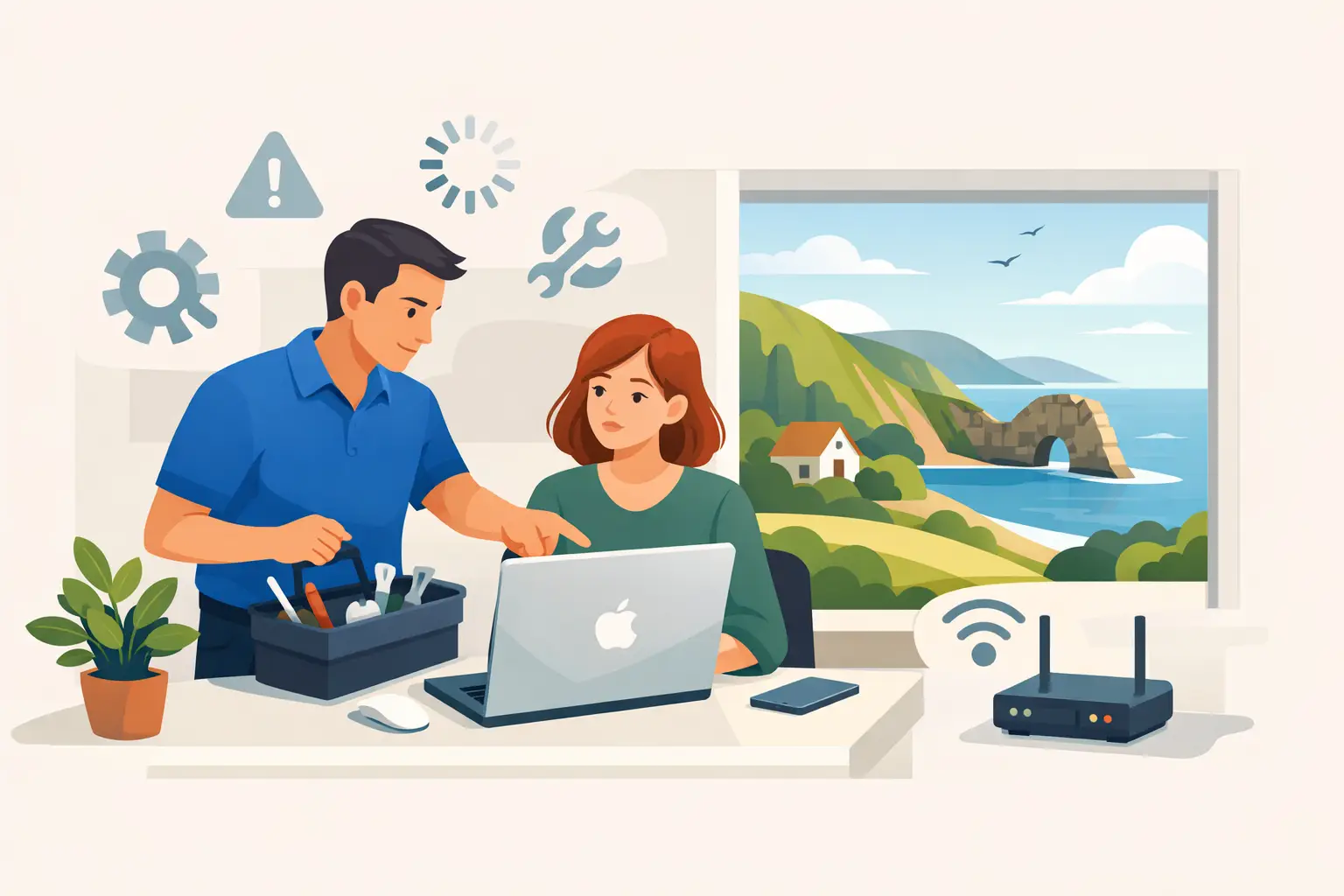
For local users across Dorset, having someone look at the iMac in person can save a lot of guesswork. North Dorset Mac Man often helps customers who have spent days trying online fixes, only to find the real issue was a failing drive, overloaded login items, poor storage management, or a Mac simply in need of the right upgrade.
Signs you should get help rather than keep guessing
If the iMac is freezing regularly, making unusual noises, failing to boot properly, or taking an age to open even basic apps, it is sensible to stop experimenting and get it checked. The same applies if you are worried about photos, business files, or documents that cannot easily be replaced.
Performance issues are sometimes the first warning sign before a drive fails completely. Acting early can protect your data as well as your patience. That matters even more if the iMac is shared by a family or used for day-to-day business work.
There is also the simple fact that your time has value. If you have already restarted it, cleared some space, removed obvious junk, and it is still painfully slow, there comes a point where proper support is the more practical option.
A slow iMac does not always mean the end of the road. Quite often, it means the machine is asking for a bit of attention, the right repair, or a sensible upgrade. Get the cause right, and an iMac that feels unusable today may be perfectly capable again tomorrow.