

A Mac that will not start before a client meeting, an iPhone that has stopped receiving email, or family photos apparently missing from iCloud all create the same question: should you arrange a visit or get help online? When weighing onsite IT support vs remote, the best answer is not always the fastest-looking option. It depends on what has gone wrong, who needs help, and whether the problem can be properly diagnosed through a screen.
Remote support can be remarkably effective for many Apple problems. But there are times when a patient, hands-on visit saves hours of frustration and prevents a small issue becoming a larger one. Knowing the difference helps households and small businesses get the right help first time.
What remote IT support is good at
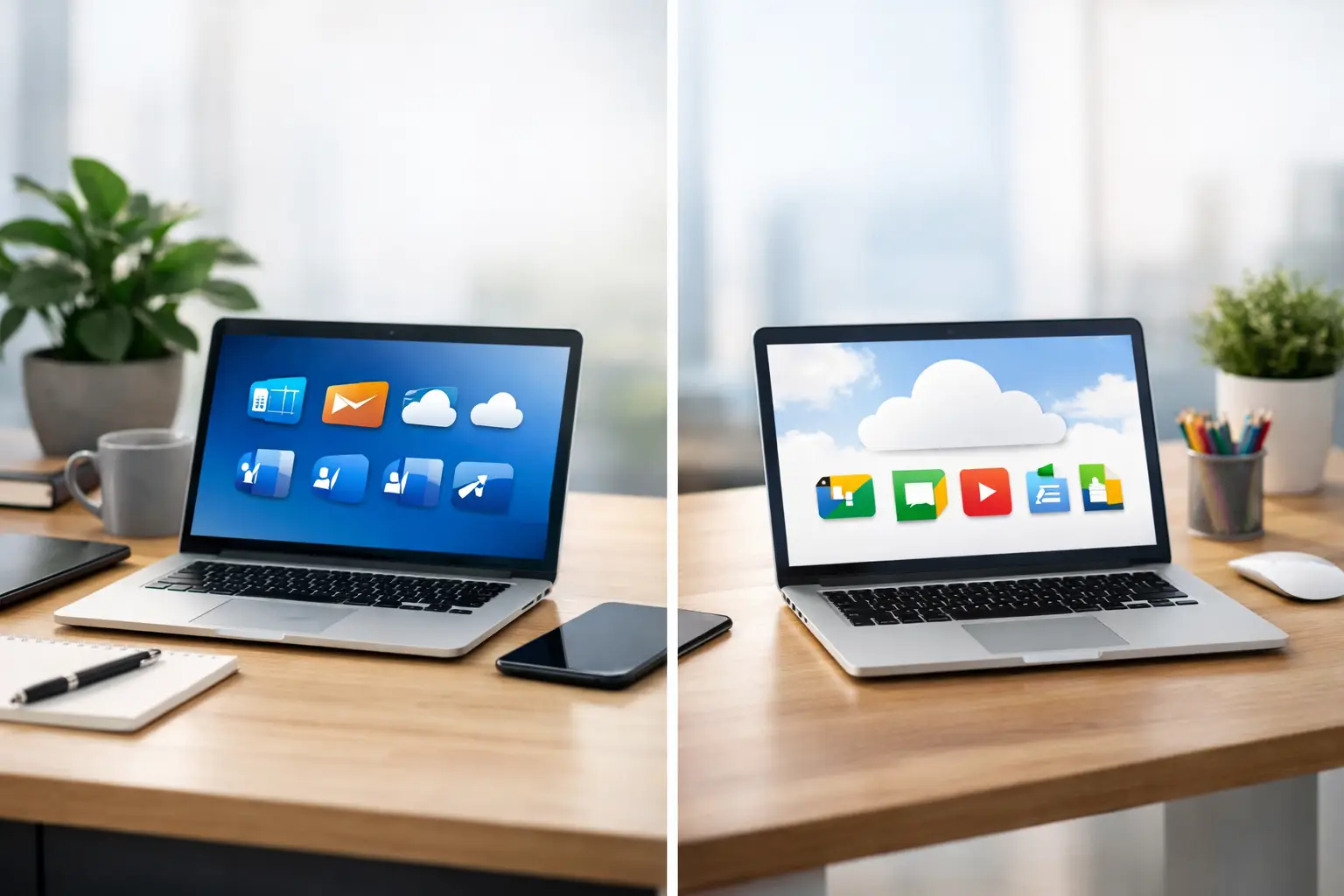
Remote support lets a technician securely view your Mac screen, with your permission, and guide you through a problem or make the necessary changes while you watch. There is no travel time, so it is often the quickest choice when your internet connection is working and the device can still be used.
It is particularly useful for software and account-based issues. A Mac running slowly because too many applications open at login, a printer that needs reconnecting, an email account asking repeatedly for its password, or Microsoft 365 settings that need adjusting can often be dealt with in one remote session. The same applies to advice on Mac settings, iCloud storage, photo libraries, browser problems, online security checks and one-to-one tutoring.
For small businesses, remote support can be an efficient way to resolve a staff member’s email issue, check a shared calendar, investigate an application error or provide quick guidance without interrupting the whole working day. If the problem is clear and the device is online, it can be a sensible use of time and budget.
Remote help also works well when you want to learn. Rather than handing over a device and hoping for the best, you can watch changes being made and ask questions as you go. This is ideal for people who would like more confidence with their Mac, iPad or iPhone, but prefer clear explanations over technical jargon.
The limits of a remote session
Remote support relies on a working route into your device. If the Mac will not switch on, cannot connect to the internet or has a damaged screen, there may be no practical way to start a session. It also cannot replace a physical inspection when a problem could be caused by hardware.
A remote view may show that a Mac is overheating, but it cannot reveal whether dust has built up inside, whether a fan is failing, or whether a battery is swelling. It can identify that a drive is not appearing, but not reliably establish whether the cable, enclosure or drive itself has failed without testing the equipment.
There is a human side too. Some customers are entirely comfortable installing a remote-support app and following a few steps. Others understandably find it stressful, especially if several devices, passwords and unfamiliar messages are involved. Remote support should make life easier, not leave someone feeling that they are being asked to manage a problem alone.
When onsite IT support is the better choice
Onsite support means a technician comes to your home or workplace, sees the full setup and works through the issue with you. That broader view is often the difference between fixing the immediate fault and solving the reason it keeps returning.
For example, a printer problem may look like a Mac issue, yet the cause could be weak Wi-Fi in one part of the house, a router setting, an old printer driver or a cable that has worked loose. In a workplace, an unreliable connection might be affecting a card machine, shared files, cloud backups and staff laptops at once. Seeing the equipment in context makes diagnosis far more accurate.
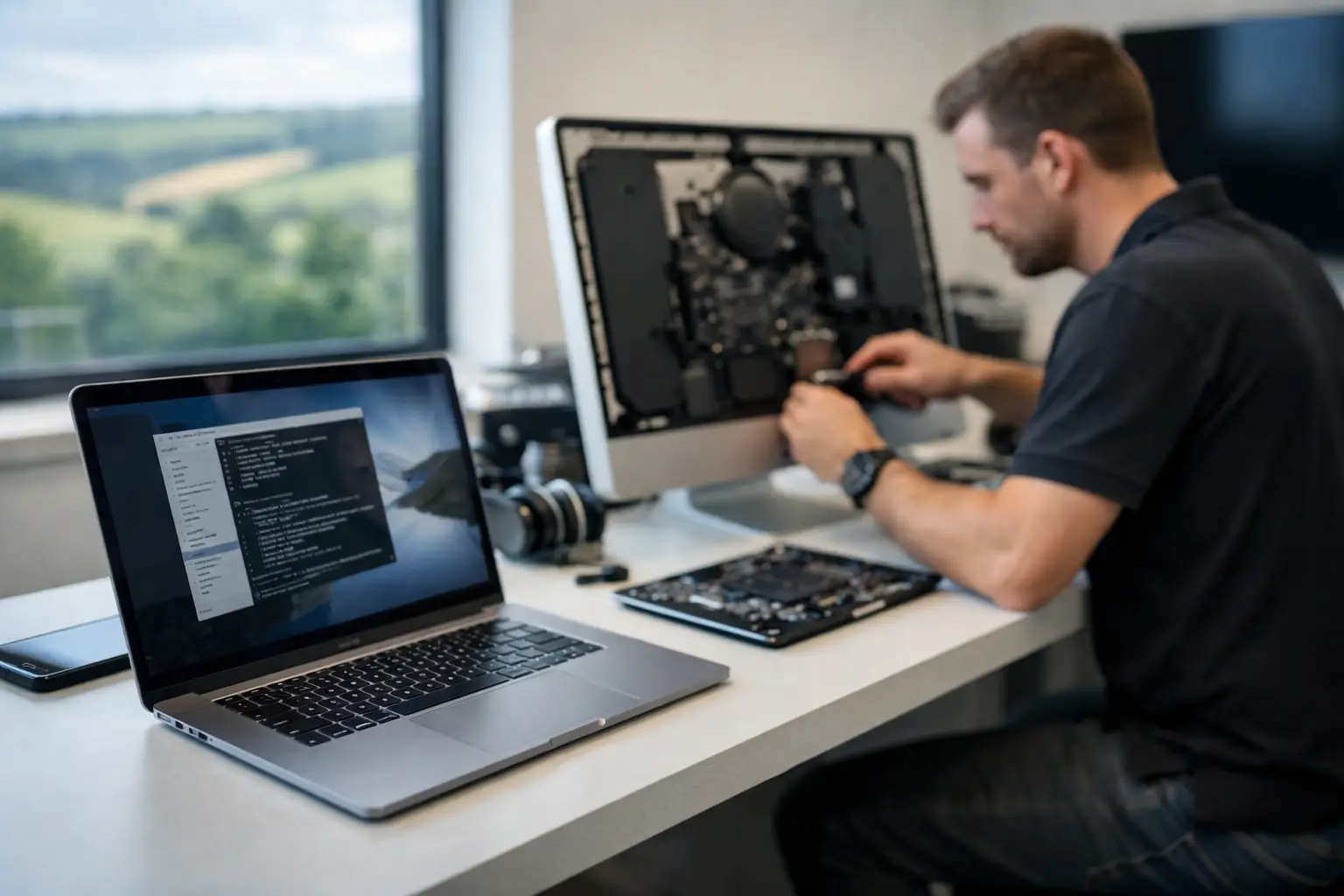
A visit is usually the right call for hardware repairs, upgrades and faults that need testing. These include a cracked MacBook screen, a machine that will not power on, liquid damage, a failing hard drive, battery concerns, a damaged charging port or a Mac that needs more storage or memory where possible. Data recovery also deserves careful, practical attention. Continuing to restart or experiment with a failing drive can make recovery more difficult.
Onsite help is especially valuable when technology is interconnected. Many Dorset households have several Apple IDs, a mixture of Macs, iPhones and iPads, a printer, broadband router, smart television and perhaps Apple TV. A problem with photos, messages or contacts can involve settings across more than one device. Working through it in person makes it easier to explain what belongs where, improve account security and leave the household with a setup that makes sense.
The benefit of having someone there
There are jobs where the fix is only half the service. If an older relative is worried about a suspicious pop-up, for instance, reassurance matters alongside removing unwanted software and checking passwords. If a sole trader has lost access to business email, they may need someone to get them working again while explaining what happened in plain English.
An in-person visit also allows practical improvements that are hard to spot remotely: positioning a Wi-Fi router more effectively, checking backup drives, organising cables, setting up a new Mac, transferring files safely or making sure an iPhone and Mac are using the correct iCloud account. These details can prevent repeat call-outs and give people more confidence using their technology afterwards.
Onsite IT support vs remote: comparing the real costs
It is tempting to treat remote help as the cheaper option and an onsite visit as the more expensive one. Often that is true for a straightforward task, because there is no travel and the work can begin quickly. But the lowest initial cost is not always the best value.
If a remote session fixes an email setting in 20 minutes, it is hard to beat. If the same issue has been caused by a wider network problem, conflicting account settings or a poorly configured new device, repeated remote sessions can cost more in time and disruption than one thorough visit.
For a business, consider the cost of downtime as well as the support fee. A broken email address, unreliable Wi-Fi or inaccessible files may affect customers, bookings and payments. A technician who can inspect the whole setup, resolve the fault and suggest sensible prevention may represent better value than a quick patch.
Privacy should be considered rather than assumed. A reputable remote-support session should only begin with your permission, and you should know when the technician can see your screen. For highly sensitive issues, such as account recovery, financial information or a device containing confidential client material, some people simply prefer support in person. That preference is valid.
A simple way to choose
Choose remote support when the device turns on, has a stable internet connection and the issue is likely to involve software, settings, email, applications or tuition. It is also a strong option for a quick check before committing to a visit.
Choose onsite support when there is possible hardware damage, no internet connection, a startup failure, a data-recovery concern or a problem involving several devices and your network. It is often preferable for new-device setup, security worries, recurring faults and anyone who would feel more comfortable with calm, face-to-face help.
Sometimes the best approach uses both. A quick remote assessment can establish what is happening and whether a visit is necessary. Equally, an onsite appointment can put a tricky setup right, followed by remote help for smaller questions later on. There is no prize for choosing one method every time.
Getting better results from either option
A little preparation helps, whether support is remote or onsite. Make a note of any error message, when the problem began and what changed just before it appeared. This may be a new app, a macOS update, a broadband change, a new password or a device that was dropped. If possible, avoid repeatedly trying random fixes, particularly when important files are involved.
For remote assistance, keep the Mac connected to power and have relevant passwords available, but do not share them unnecessarily. For a visit, gather chargers, external drives and any device that is part of the problem. If the issue concerns a home office or small business, explain what must be working by the end of the appointment – email, printing, video calls, backups or access to a particular system.
North Dorset Mac Man provides both practical onsite visits and remote help, so the recommendation can be based on the fault rather than forcing every issue into one service. For urgent problems, a phone conversation is often the quickest way to decide what will get you back up and running.
The right support should leave you with more than a working device. It should leave you clearer about what happened, safer in how you use your technology and confident that there is someone dependable to call when the next unexpected problem appears.