

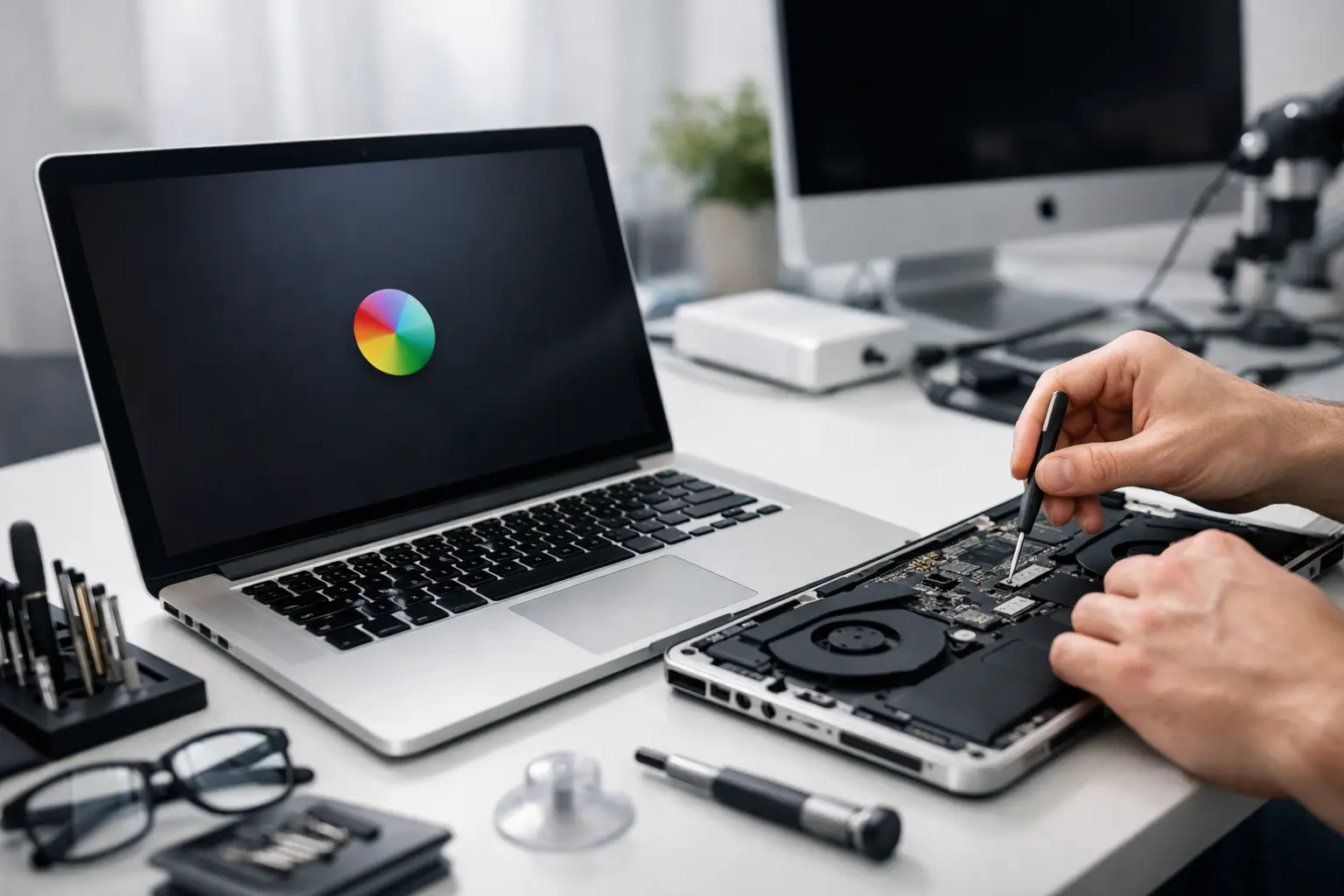
A Mac that suddenly will not start, a MacBook with a failing battery, or an iMac that has become painfully slow can bring a household or small business to a halt. The right Mac repair Dorset service should do more than take the machine away and return it with a bill. It should identify what has gone wrong, explain the sensible options in plain English, and help protect the files, photos and accounts that matter to you.
For many people, the immediate worry is not the device itself. It is the years of family photographs stored on it, the business invoices that need sending that afternoon, or the email account that has stopped working. A calm diagnosis before any repair work begins makes a real difference.
When to call for Mac repair in Dorset
Some Mac problems are small and can be fixed with a few careful checks. Others need attention quickly, particularly if there is a risk to your data or the machine is showing signs of physical damage. Repeated crashes, a flashing folder on start-up, unexplained overheating, a screen that flickers, and a battery that swells or drains within an hour are all worth investigating rather than working around.
Slowness is another common reason to ask for help, although it does not always mean the Mac is beyond repair. An older iMac may be held back by a nearly full drive, too little memory, outdated software or too many programs loading at login. In the right model, an upgrade can make a noticeable difference for far less than the cost of replacing it. In others, especially very old or heavily damaged machines, putting money towards a newer Mac may be the more sensible choice.
That honest distinction matters. A worthwhile repair should improve reliability and give you useful extra life from the computer, not merely postpone the same problem for a few weeks.
Start with the symptoms, not a guess
It is tempting to search for an error message, buy a part online, or follow a video that appears to match the problem. Sometimes that works. Just as often, it creates a second fault or masks the original one. A Mac running slowly could have a storage issue, an app conflict, a failing hard drive, malware, an iCloud syncing problem or a combination of several things.
A proper diagnosis looks at the whole picture: when the fault began, what changed beforehand, whether it affects every user account, and whether the problem happens on battery power, mains power, Wi-Fi or both. This is particularly useful in homes with several Apple devices sharing the same Apple ID, photos library or iCloud storage.
For example, an iPhone photo setting can fill a Mac’s storage without anyone noticing. A new broadband router can expose an old Wi-Fi configuration. A well-meaning update can leave an older printer unable to communicate with the Mac. The repair may be straightforward, but the explanation should be straightforward too.
Data comes before the repair
If a Mac is failing to start, making unusual clicking noises, displaying a question mark at boot, or asking to erase a disk, avoid repeatedly restarting it and do not rush into reinstalling macOS. Those actions can make recovery harder when the drive is already struggling.
The first priority is working out whether the data is safe and whether a current backup exists. Time Machine backups are very useful when they have been running properly, but many people only discover that a backup drive has not updated for months when they need it most. Cloud storage can help as well, but it may not include every folder or every version of a file.
A local Apple specialist can assess the situation before changes are made, recover data where possible, and set up a backup arrangement that fits how you actually work. A family might need photos copied safely to more than one place. A sole trader may need a backup plan that protects client work, email records and accounting files without becoming another job to remember.
Repairs, upgrades and everyday support
Mac repair is not only about replacing a broken screen or battery. It can include trackpad faults, charging problems, damaged ports, keyboard issues, failed storage, macOS errors and troublesome software. It can also mean improving a machine that still works but no longer keeps up with what you need it to do.
A memory or storage upgrade can be excellent value on compatible Macs. It may reduce long waits when opening large photo libraries, using Microsoft 365, editing documents or moving between several browser tabs. However, not every newer Mac can be upgraded internally, so it is better to check the exact model before making plans.
There is also a place for practical help that is not technically a repair. Setting up a new MacBook, moving files from an old iMac, connecting a printer, sorting out iCloud, improving Wi-Fi coverage, or making FaceTime work for a relative can remove a lot of frustration. Patient one-to-one support is often the quickest route to a fix because you can ask questions as you go.
Support that works around home and business life
Taking a computer to a shop is not always convenient. If you work from home, rely on a desktop iMac, or have a problem affecting several devices, on-site support can save time and prevent guesswork. The technician can see the router, printer, backup drive and connected devices in their normal environment rather than trying to recreate the issue elsewhere.
For Dorset businesses without an internal IT team, that wider view is especially valuable. A Mac fault may be linked to Microsoft 365 sign-in problems, a shared mailbox, a website update, a failed printer connection or insecure password practices. Resolving only the visible symptom can leave the underlying cause waiting to disrupt the next working day.
Remote support is useful for many software, email and settings problems, and it can be faster for an urgent query. Physical faults, network issues and complicated set-ups often benefit from a visit. The best option depends on what has failed, how urgent it is and whether the computer can be used safely.
Do not overlook security problems
Not every alarming pop-up means a Mac has a virus, but fake security warnings, scam phone calls and suspicious calendar events are common. Never give remote access to someone who contacts you unexpectedly, and do not provide passwords or bank details because a pop-up tells you your Mac is infected.
If you have clicked something questionable, help is still available. The sensible response is to stop, disconnect if necessary, change relevant passwords from a trusted device and have the Mac checked. Security support should also cover the basics that prevent repeat problems: updates, strong unique passwords, sensible account recovery details and a reliable backup.
A local point of contact makes the difference
Technology is easier to manage when you know who to call and do not have to explain your set-up from scratch each time. North Dorset Mac Man provides hands-on Apple support for homes and local organisations, whether the job is a troublesome MacBook, a data concern, a new device set-up or a wider IT issue affecting work.
Before booking a repair, make a note of the Mac model, the exact message on screen, when the issue began and whether you have a backup. If the machine will still start, avoid installing cleaners, repair apps or random updates until the cause is clear. A few careful details can turn a worrying Mac problem into a practical next step – and get you back to the things you actually need your technology to do.